🎉 First article of the new year — Happy 2026.
Wishing you a year of projects completed successfully, on time, and on budget. I’m looking forward to learning and sharing what’s new as VMware Cloud Foundation 9 continues to take shape this year.
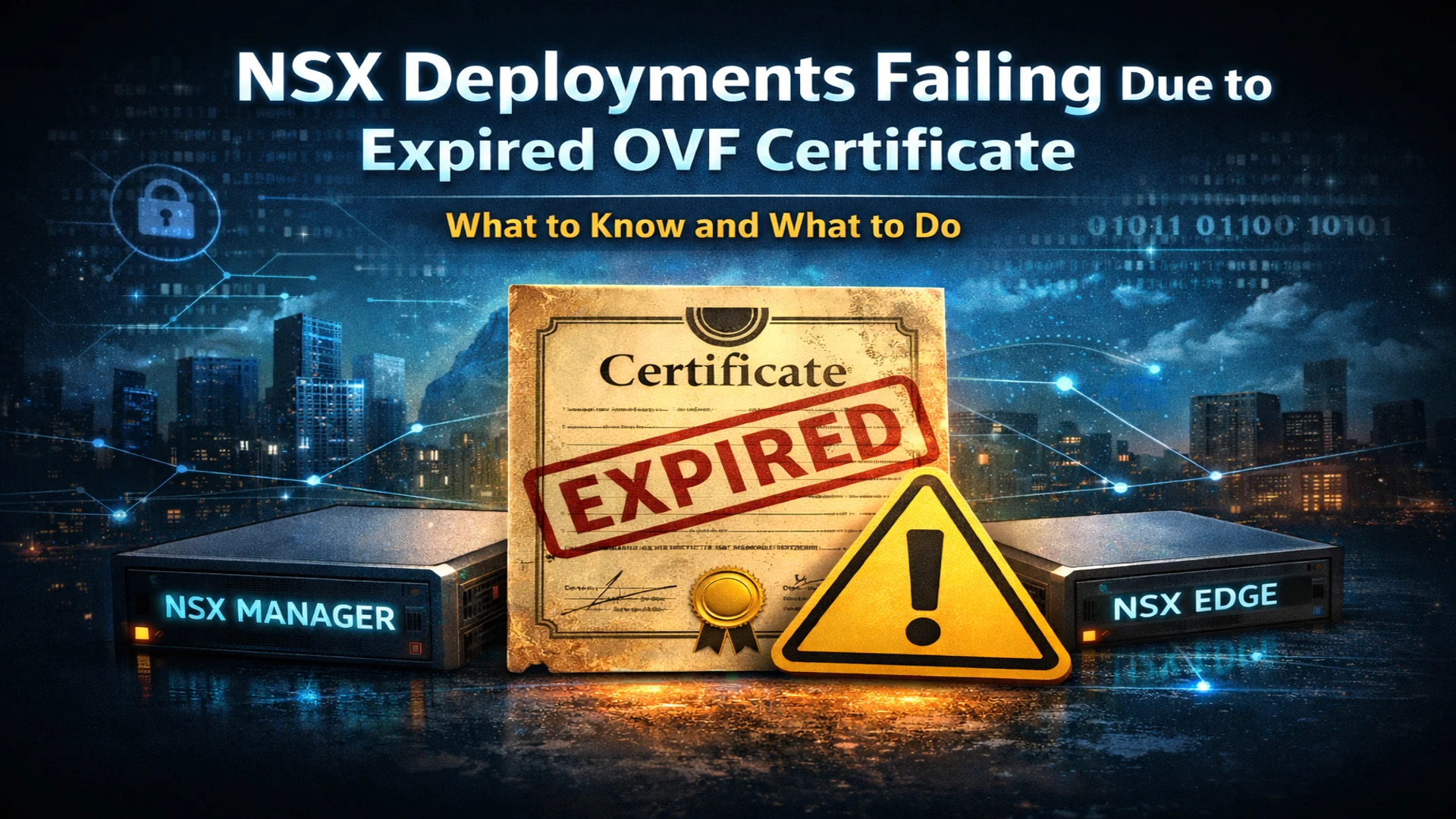
Over the past few days, Broadcom has identified an issue impacting VMware NSX environments where new deployments and redeployments of NSX Managers and Edges can fail due to an expired OVF signing certificate.
This issue does not affect running workloads or existing NSX components. However, it does block several critical operational workflows that many teams only discover when they urgently need them.
This article is intended as a field advisory — what’s broken, why it matters, and what you should do before you need to scale or recover your environment.
What’s happening
As of January 3, 2026, the OVF signing certificate used for certain NSX appliance templates has expired. During deployment, NSX validates the OVF manifest signature, and once the certificate is expired, this validation fails.
When this happens, new NSX Manager or Edge appliances will not deploy, regardless of whether the deployment is initiated from:
- The vSphere Client
ovftool- The NSX UI
The failure typically presents as a signature or OVF validation error (for example: “The OVF package is invalid and cannot be deployed”).
Why this matters operationally
You are unlikely to notice this issue during normal day-to-day operations.
Where it becomes a problem is when you need to perform time-sensitive actions such as:
- Replacing a failed NSX Edge
- Scaling out an Edge cluster
- Adding a redundant NSX Manager
- Resizing or redeploying an NSX appliance
- Restoring NSX components from backup
- Performing a greenfield NSX deployment
In other words, the worst possible time to discover this issue is during an outage or recovery scenario.
What is impacted
Impacted workflows
- New NSX Manager deployments
- New NSX Edge deployments
- Edge cluster expansion
- NSX appliance resizing or replacement
- Restore-from-backup workflows
- Deployments initiated via:
- vSphere Client
ovftool- NSX UI
Not impacted
- Existing running NSX Managers or Edges
- NSX upgrades
- Data plane traffic
- Ongoing management plane operations
Running environments will continue to function normally.
Versions affected
Edge deployments
- NSX 3.x
- NSX 4.x
- NSX 9.x
Manager deployments
- NSX 3.x
- NSX 4.0.x
Root cause (high level)
The OVF templates for the affected NSX versions were signed with a certificate that expires on January 3, 2026.
Once expired, the deployment logic refuses to proceed because the OVF manifest signature can no longer be validated. This validation occurs only during the deployment phase, which is why existing environments continue to operate normally.
Workarounds
Broadcom has published KBs and scripts that allow deployments to proceed by bypassing the expired signature validation.
There are two primary approaches, depending on how NSX components are deployed.
Option 1: Manual OVF deployments
If deploying directly via vSphere or ovftool:
-
vSphere Client:
Select Ignore when prompted about certificate or signature validation. -
ovftool:
Use the--disableVerificationflag when deploying the OVF.
This approach works for one-off deployments but does not address NSX UI–driven workflows.
Option 2: NSX UI–based deployments (recommended)
For deployments initiated through the NSX UI:
- Broadcom provides scripts that must be run on all three NSX Managers
- The script modifies the internal deployment logic to ignore the expired OVF signature
- The change is:
- Persistent across reboots
- Persistent across upgrades
Important:
Any newly deployed NSX Manager will also require the script to be applied after deployment.
Relevant Broadcom KBs include:
- Edge and Manager deployments via vSphere Client or
ovftool - Edge deployments from the NSX UI
- Manager deployments from the NSX UI
(Refer to Broadcom KBs 424034 and 424035 for the latest guidance.)
Frequently asked questions
Are existing NSX environments expected to experience production impact?
No. This issue only impacts the deployment of new NSX Manager or Edge nodes. Existing workloads, data plane traffic, and management plane operations remain unaffected.
What happens if the workaround is not applied?
Attempts to deploy new NSX Edges or add redundant NSX Managers will fail due to OVF signature validation errors, potentially blocking scale-out or recovery efforts.
Is there a security risk in skipping OVF certificate validation?
The risk is considered minimal if OVF binaries are obtained directly from the official Broadcom Support Portal and verified via checksum. Skipping validation disables tamper checking after signing but does not impact runtime security.
Is there a permanent fix?
Yes. A permanent fix is expected in a future NSX maintenance release that includes OVF templates signed with a new long-term certificate.
Recommendations
My recommendation is to apply the workaround proactively, even if you do not currently plan to deploy new NSX components.
This issue is easy to miss, presents no symptoms until deployment time, and can quickly turn a manageable event into a prolonged outage if discovered too late.
Closing thoughts
This is one of those issues that sits quietly in the background — until the moment you need to scale, recover, or replace infrastructure under pressure.
Taking a few minutes now to understand and mitigate it can save hours later when timing matters most.
💬 Join the Conversation
Have thoughts or questions? Leave a comment below — your insights help others!